
- Live telemetry
- Smart analysis
- Dynamic voiceover
- Auto director
Built for iRacing
Practice on a Tuesday night. An official race at two in the morning. Your league round on Sunday. SimCast reads the live telemetry and produces the whole broadcast — two commentators, the cameras, the timing tower, the graphics, the recording. Nobody operates it and nobody is booked. What it cannot do yet is written down further below.
Voices supported by
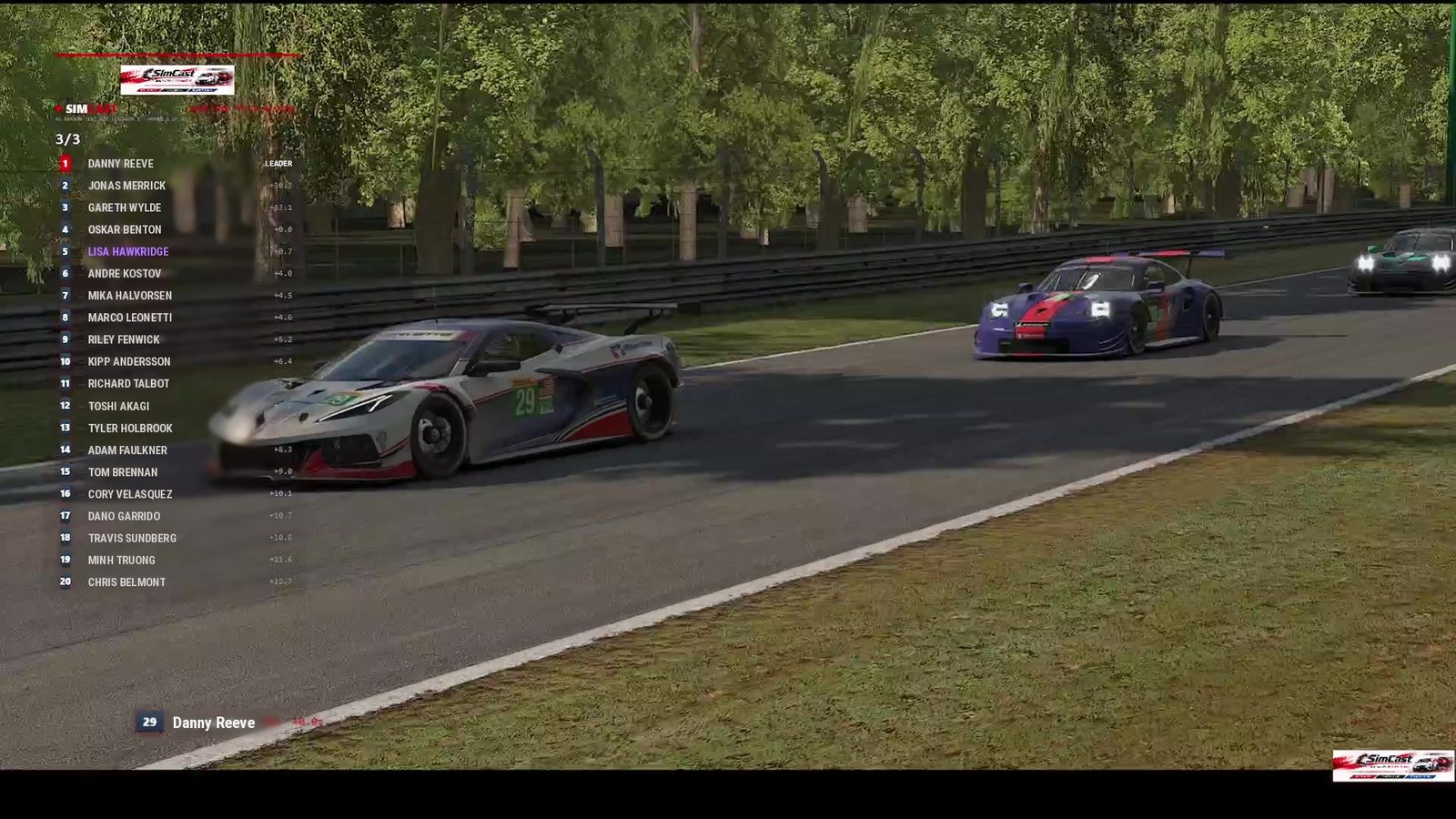
One race, start to finish, from the log: the booth spoke three hundred times, the director made two hundred and thirteen camera cuts, and eleven highlight clips were sitting on disk three minutes after the flag. Nobody was operating any of it.
What it actually is
An AI voice reading lap times is not a broadcast. SimCast runs the gallery as well as the booth — it decides what is worth watching, cuts to it, and puts the graphics up while it talks about it. Same job whether it is a league final or you on your own in an empty practice session.
A lead commentator and a co‑commentator who talk to each other, not over each other. They call the racing from live telemetry — positions, gaps, who is closing on whom, who has gone off — and every line is built out of that data rather than invented around it. Where they still overreach, it is treated as a fault and fixed.
A third voice reports from pit road with the lane’s own sound under her — who has come in, how long they were on pit road, who at the front still has to stop. The booth hands down to her and picks it back up when she is done, the way it happens on television.
The cameras follow the story. When a gap comes down to two tenths the director cuts to it, holds while it plays out and moves on when it is over — the same judgement a human in the gallery makes, made from the numbers. How long a shot holds, which camera groups it may use, whether it favours the leaders or the battles — all yours to set.
Live tower with gaps and intervals, class positions when more than one class is running, the starting grid, the finishing classification, championship standings, flag banners and a name plate for whoever is on screen. Put your league’s name and colours on it, or your own.
It does not sit silent until the green flag. It follows a flying lap all the way round and talks about it, reads the grid out when qualifying ends, and works through the classification at the flag.
The booth carries your league’s own history from round to round — what happened last time out, who has been in the fight all year, what the standings looked like before today. A commentator who follows your league all season knows the same things. The difference is that this one is at every round — the wet Tuesday and the six-car race included, not just the ones worth booking somebody for.
Go live to YouTube while it happens, keep the file, or both — one button starts the broadcast and whichever of those you have asked for.
The highlights are cut out of the recording automatically the moment the race ends — the moments the commentary itself flagged, sorted by driver, ready to post.
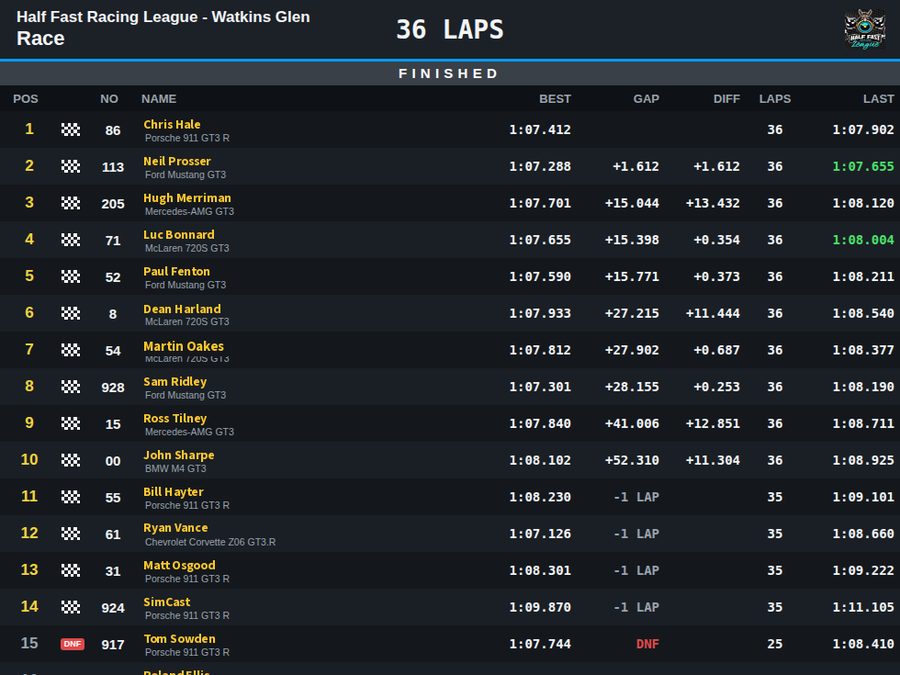
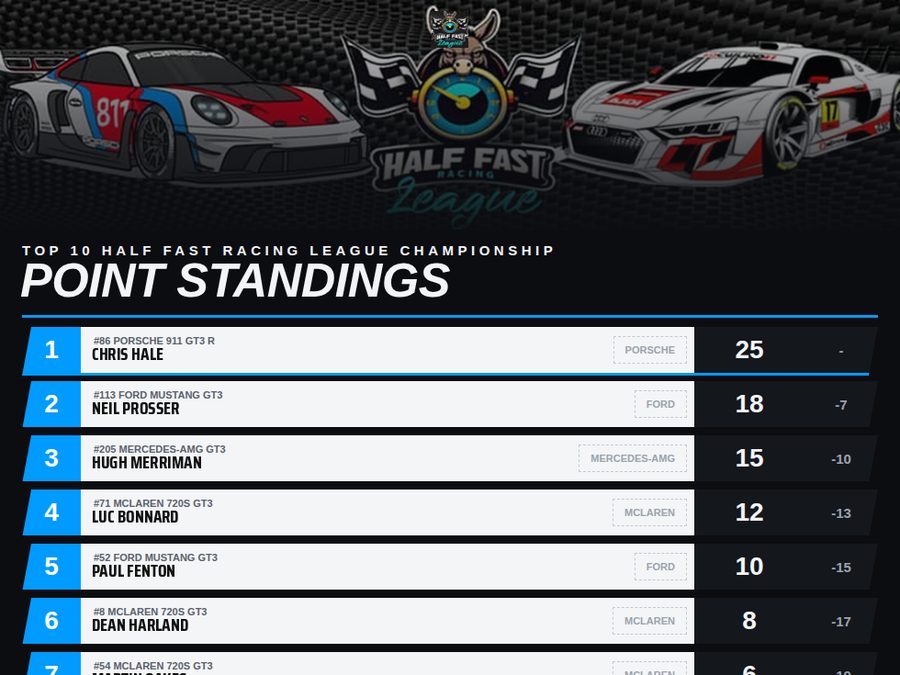
Unedited
Straight off the broadcast log — word for word as it went out. Qualifying ran, the grid was read, the race went green.
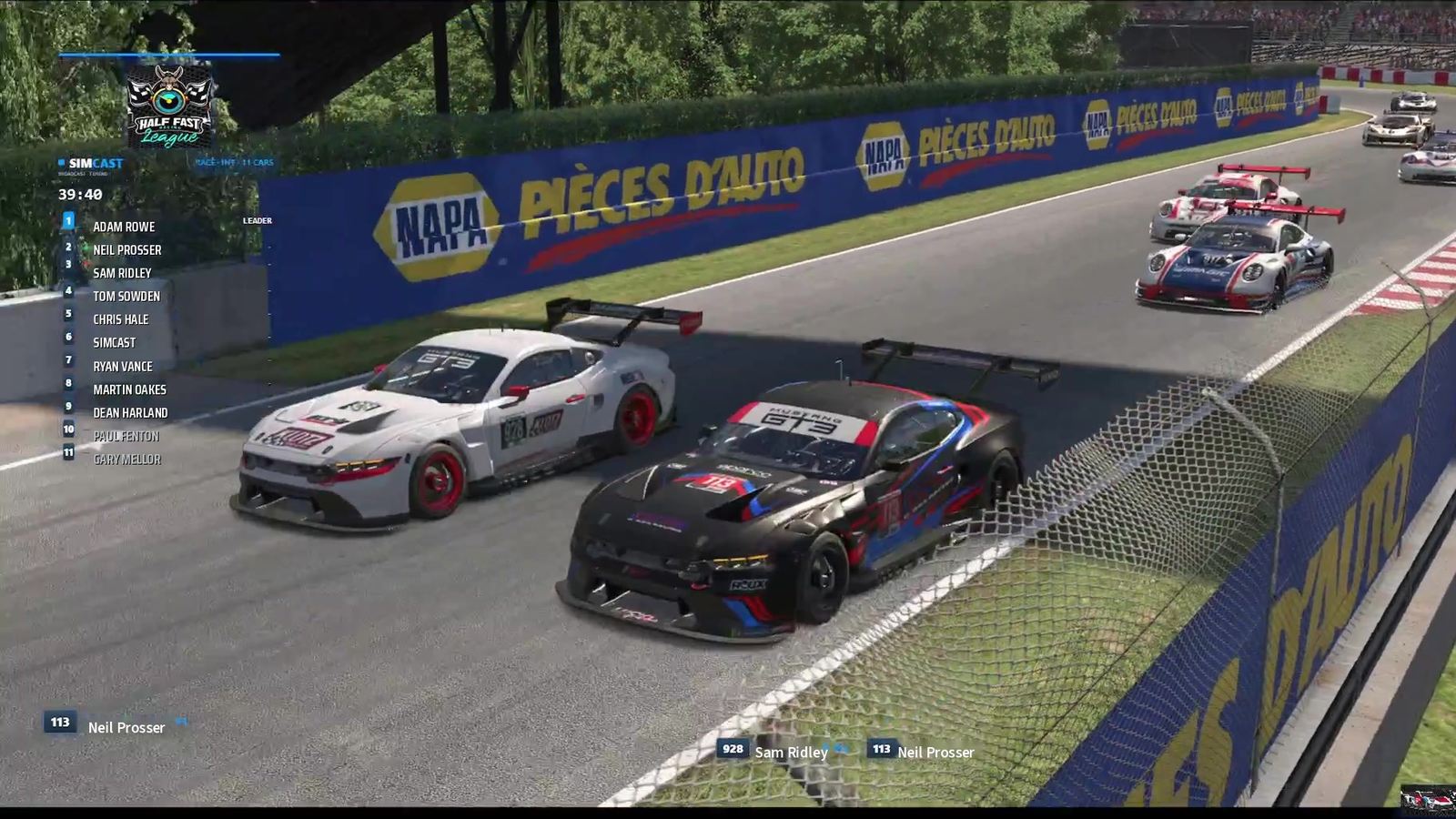
Whole races
youtube.com/@simcast26Nothing from Google loads onto this page until you press play — the player is fetched at that moment and not before, and the links below open on YouTube. Nothing on this site hands your details over before you have chosen to watch anything.
Who it’s for
This isn’t a league product that happens to work elsewhere. If you can load into a session, SimCast can broadcast it — with a full grid or on your own. Broadcast the full grid and it covers the whole field, cutting to whichever driver the race makes worth watching; run it on your own car and it stays with you, lap after lap.
The full production every round: grid read, championship standings, your branding, and the recording waiting for you afterwards. Name your own two commentators and give them their own voices, so it is your booth calling your championship. On your schedule, not a studio’s.
A Tuesday night split with fifteen strangers in it. Same broadcast, no arrangements, no booking anybody. Start it and go racing.
On your own at half eleven at night, learning a track. It follows the lap and calls it — your last one, your best so far, how you are doing against your own best right now, the time to beat. Nobody else has to be there. Run it on the replay afterwards and you get the cameras too, so an hour on your own comes back as a broadcast.
Your headset view is what OBS records, so there is a live picture while you drive — yours rather than a director’s, which in Driver Focus is the right one anyway. Whether you hear the booth is your call: leave it alone and it comes through your own ears as well as the broadcast, or send it to a different output and it never reaches you at all — spotter and engine only, while the audience still gets every word.
Drive it, then point SimCast at the replay. You are out of the car, so the cameras work — and forty minutes you spent concentrating comes back as a broadcast, with both commentators calling the race you were in and the highlights cut out of it.
Spectate the race and it covers the whole field. Everyone else in it can run their own copy on their own PC, following their own car — one session, as many broadcasts as there are people who want one.
What you need
It runs on the machine already in front of you, alongside the sim. Nothing to rent, nothing to book, nobody to arrange.
Being straight with you
All of this is true today, on a real build, being tested on real races most nights. None of it is hidden and none of it is a surprise waiting for you after you sign up.
Nothing else is supported today. The telemetry work is specific to iRacing, and so is most of the machinery built on top of it — every rule the booth follows was worked out against iRacing’s own data. Other sims are on the roadmap: the booth and the director aren’t tied to iRacing, only the layer that feeds them is.
iRacing only allows camera control when you are out of the car. So while you are driving you get the commentary, the timing tower, the graphics and the recording, but the camera stays where you leave it. Three ways round it, and most people will use more than one: have somebody spectate the session live — in a league that is usually whoever runs it; drive your race and then point SimCast at the replay afterwards, which gets you the full production, cameras and all; or drive in VR, where your headset view is the picture OBS records and Driver Focus calls your race around it. What you cannot have is the cameras and your own car’s telemetry at the same time: the fuel, the tyres and the live delta only exist for the car somebody is actually driving.
The sim renders a single view. There is no second angle to cut away to, so an instant replay either shows whichever camera the director was already on, or the sim rewinds itself and the live race is off screen while it plays — exactly as a replay works on television. Genuine multi‑angle needs a second machine rendering, and that is a studio, not a product.
It is a language model reading live telemetry, and it will occasionally say something the numbers do not support — a gap that was never quite that, a rule this race does not actually have. Every one that gets found gets fixed, and fixed the right way: it is told the truth rather than told to keep quiet. It is honest work in progress, and it is the part that gets the most attention.
Tyre compounds, fuel loads and the real reason somebody pitted are not published to anyone but that driver. So SimCast does not tell you either. It describes the stop it can actually see and stops there, rather than inventing a strategy to explain it.
Streaming itself works: tick one box and clicking Broadcast takes OBS live to YouTube or wherever it is already pointed. What does not follow it live is the opening and closing titles — those are put onto the recorded file after the flag, so a live audience does not see them. The highlight clips are cut afterwards too, for the same reason.
The road‑course rulebook has had by far the most laps through it. Lanes, the cushion, bump drafting, heats and the rest of the oval and dirt vocabulary are being written now, so a dirt race today gets a thinner call than a road race does.
The alternative
A produced sim racing broadcast means booking a studio: a fee for the race, a slot in somebody else’s calendar, and a crew who have to be free when you are. That is workable for a championship final. It is not workable for a Tuesday practice session, a two in the morning official, or the twelfth round of a league that runs every week.
It does not have to be live, either — somebody can always talk over the replay afterwards, and plenty of leagues have somebody willing to. That is not the part that fails. What fails is that it asks a person for forty minutes of their evening, every round, for a whole season. It holds up for a round or two and then it quietly stops. The round that never gets covered is round twelve, not round one.
SimCast is the other answer. Nobody to book, no slot to fit into, and nobody’s evening to ask for: it is on your own PC, it runs whenever you do, and it costs the same whether eleven people are watching or nobody is. It does round twelve exactly as it did round one. Pricing is being set with our first leagues.
After the flag
Every moment the booth thought was worth calling is cut out of the recording automatically — the pass, the spin, the last-lap fight — sorted by driver and ready to post while people are still in the Discord talking about it.
When the season finishes, SimCast builds a highlights reel from the whole championship with every driver in it — not just the front runners. It goes to the league for nothing. Thanks for the season.
Coming soon
SimCast is not for sale yet. It is built and tested on real sessions every week — practice, qualifying and races — and the next step is a small closed beta: a handful of leagues running it on their own race nights while I watch what breaks.
A place costs nothing. What it asks of you is a real race to broadcast and the patience to say when the booth gets something wrong — which it still does, and what it can’t do is honest about where. A good deal of what SimCast does today started as somebody pointing out that it did not.
Tell me what you race and you will get a straight answer about whether it would work for you yet — including if the answer is not yet. If you would rather just ask a question than apply for a place, use the same form; both reach me.
Built for iRacing.